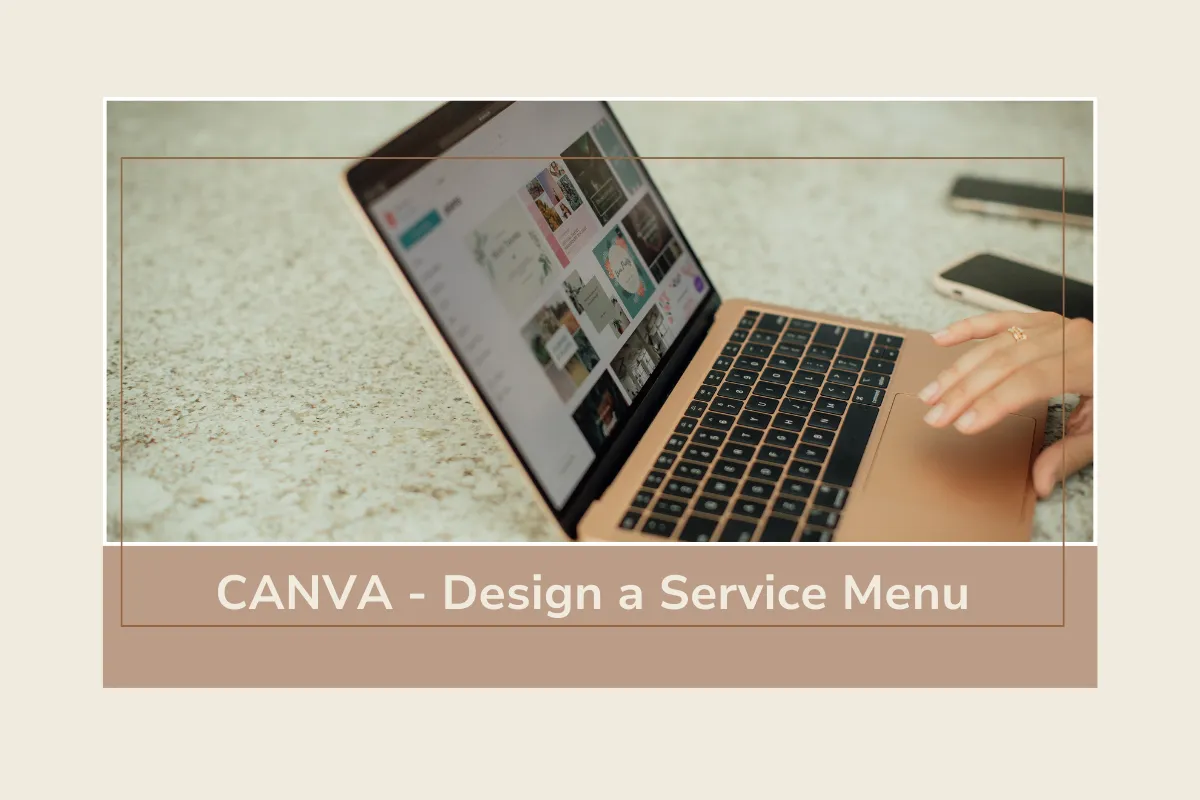
Canva Corner - Design a Product or Service Menu
Canva Corner
"Design a Product or Service Menu"
Make it easy for potential clients or customers to see what you offer quickly! A simple Product or Service Menu does the trick and is perfect for showcasing your packages, pricing, etc. Canva is super user-friendly and makes it pretty simple to create with pre-made templates.

Quick Steps to Make Yours:
1. Go to Canva.com and search “Price List” or “Service Menu.”
2. Browse templates and pick one that matches your business vibe, clean and classic, bold and modern, or soft and inviting.
3. Fill in your services or products, short descriptions, and pricing.
4. Add your logo, brand colors, and contact info for a polished, on-brand look.
5. Download it as a PDF to email or print or you can keep it handy for discovery calls or events!
Pro Tip: Use icons or simple images to help organize info and make it easier to read!
This quick Canva project helps you look professional and prepared. Plus, it’s a great resource to reuse over and over.
New to Canva?
You can sign up for a free Canva account at canva.com. You have access to the templates and elements that aren’t marked with a “Crown.” The paid plan ($12/mo.) offers unlimited access to Canva images, templates, and elements.


